
Video consultation
The 11 pm fever
A working mother in Casablanca books a pediatric video visit after bedtime, shows the doctor her son's rash on camera, and has the e-prescription at her pharmacy before breakfast.
One journey, end to end: create an account, find the right doctor, consult, and let the prescription travel to a pharmacy and back to your door. Here is the whole path, step by step.
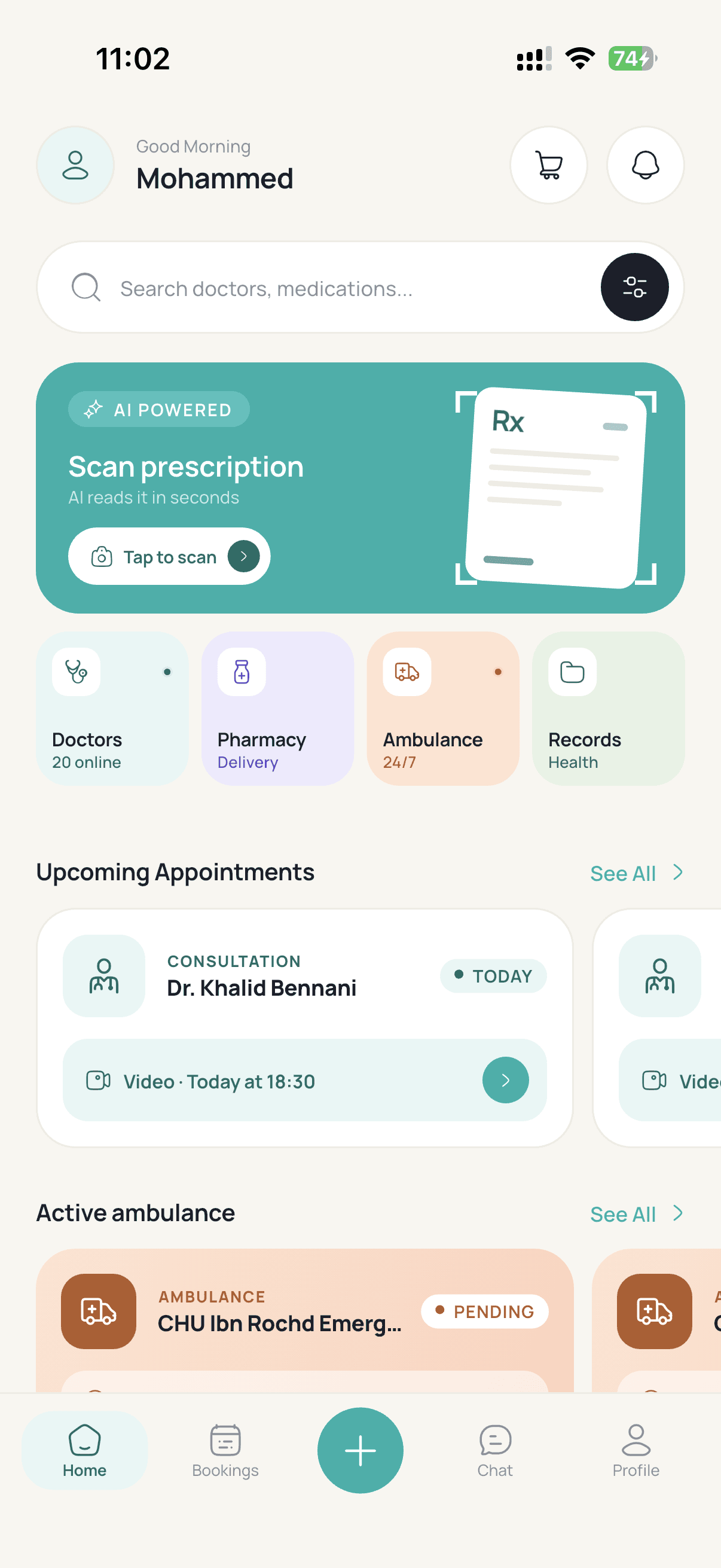
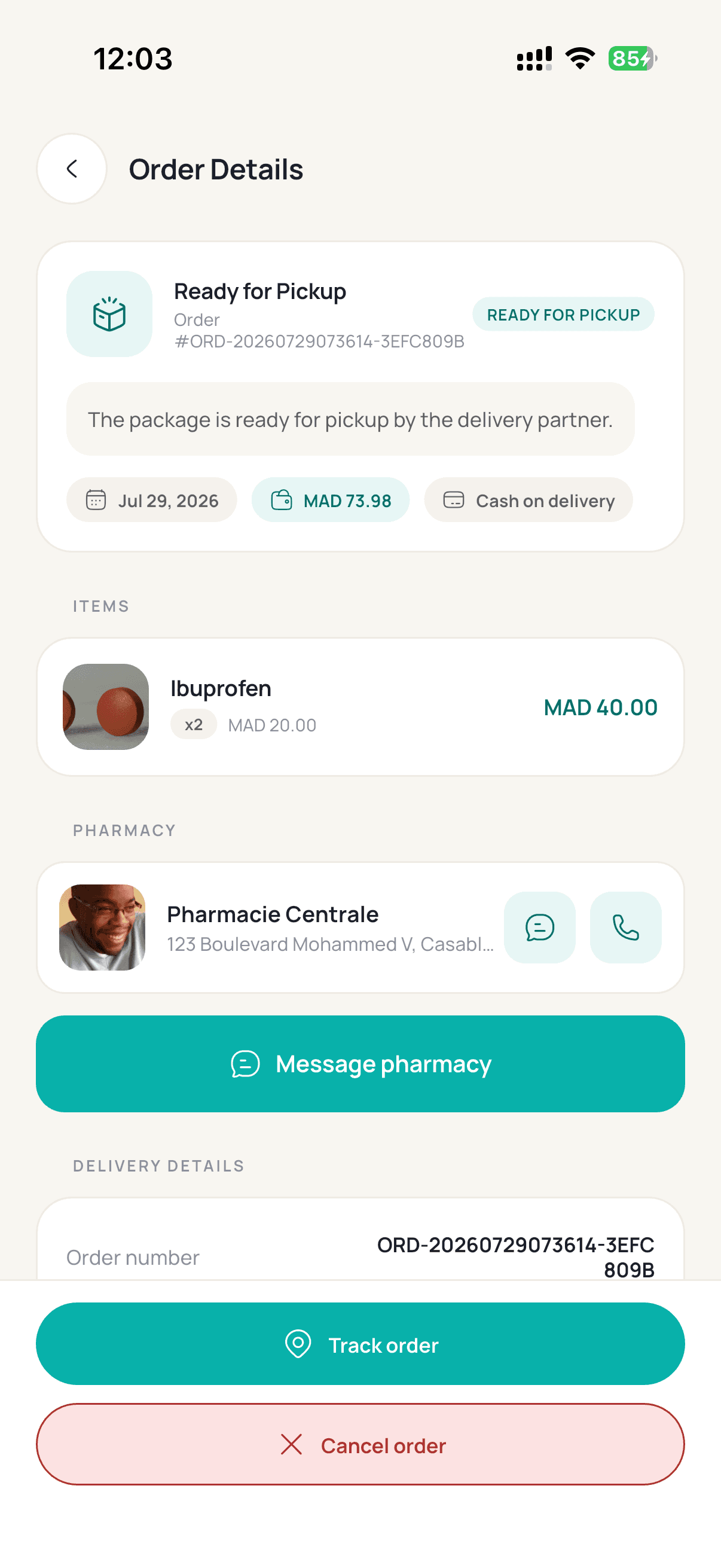
Each step feeds the next — the doctor you book writes the prescription your pharmacy prepares and your courier delivers.
Enter your name and phone number, type the 6-digit code we text you, and you are in. No paperwork — your health record starts empty and fills up as you use Sanpha.
Verify your phone
Code sent to +212 6 12 34 56 78
Resend code in 24 s
Verify and continueSearch by specialty, city or language. Every profile shows verified credentials, patient reviews and the exact consultation fee in MAD — so you compare openly before you commit.
Dr. Youssef El Amrani
Cardiologist · Casablanca
4.9(320 reviews)
From
250 MAD
Dr. Amina Benali
Pediatrician · Rabat
4.8(214 reviews)
From
200 MAD
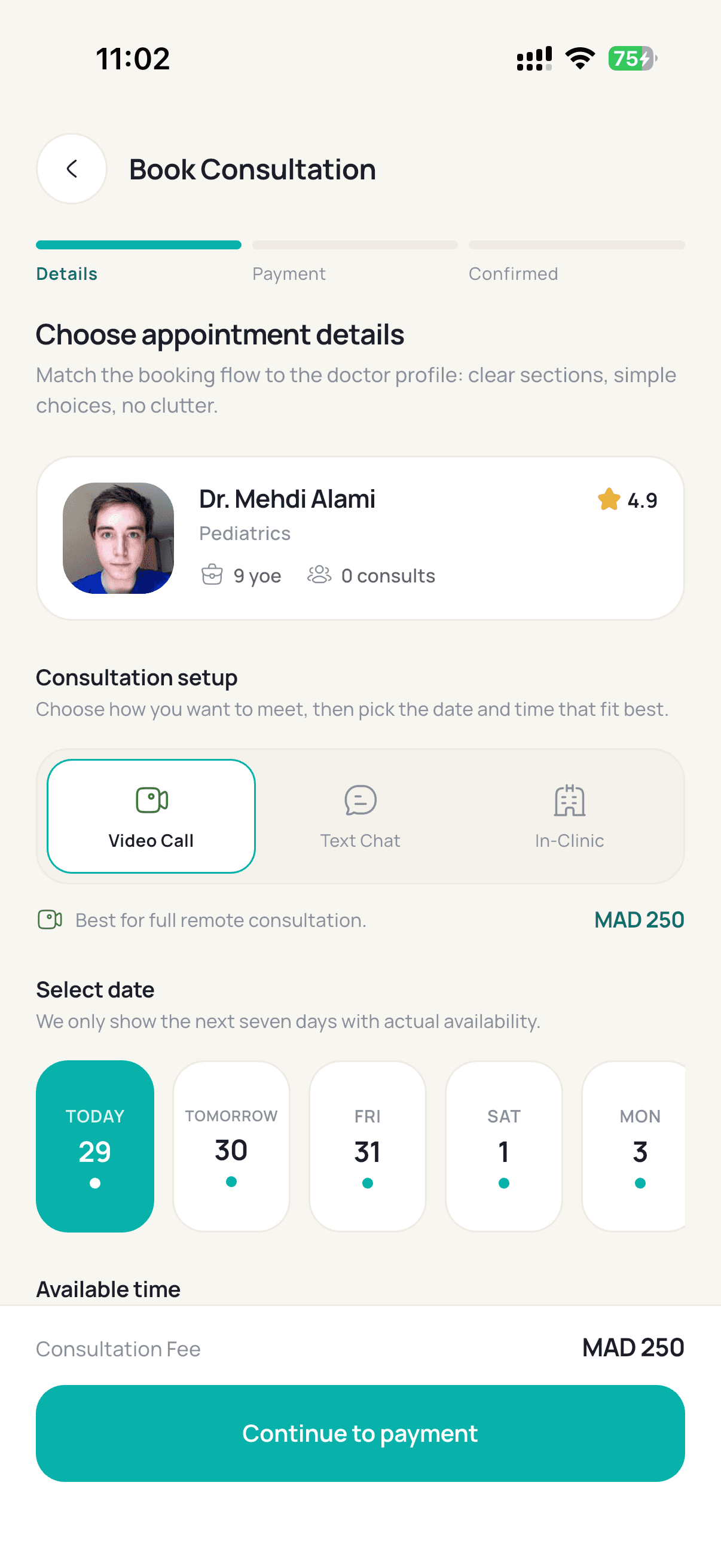
Live calendars show real availability. Pick video, audio or an in-clinic visit, confirm the listed fee, and get an instant confirmation with a reminder before it starts.
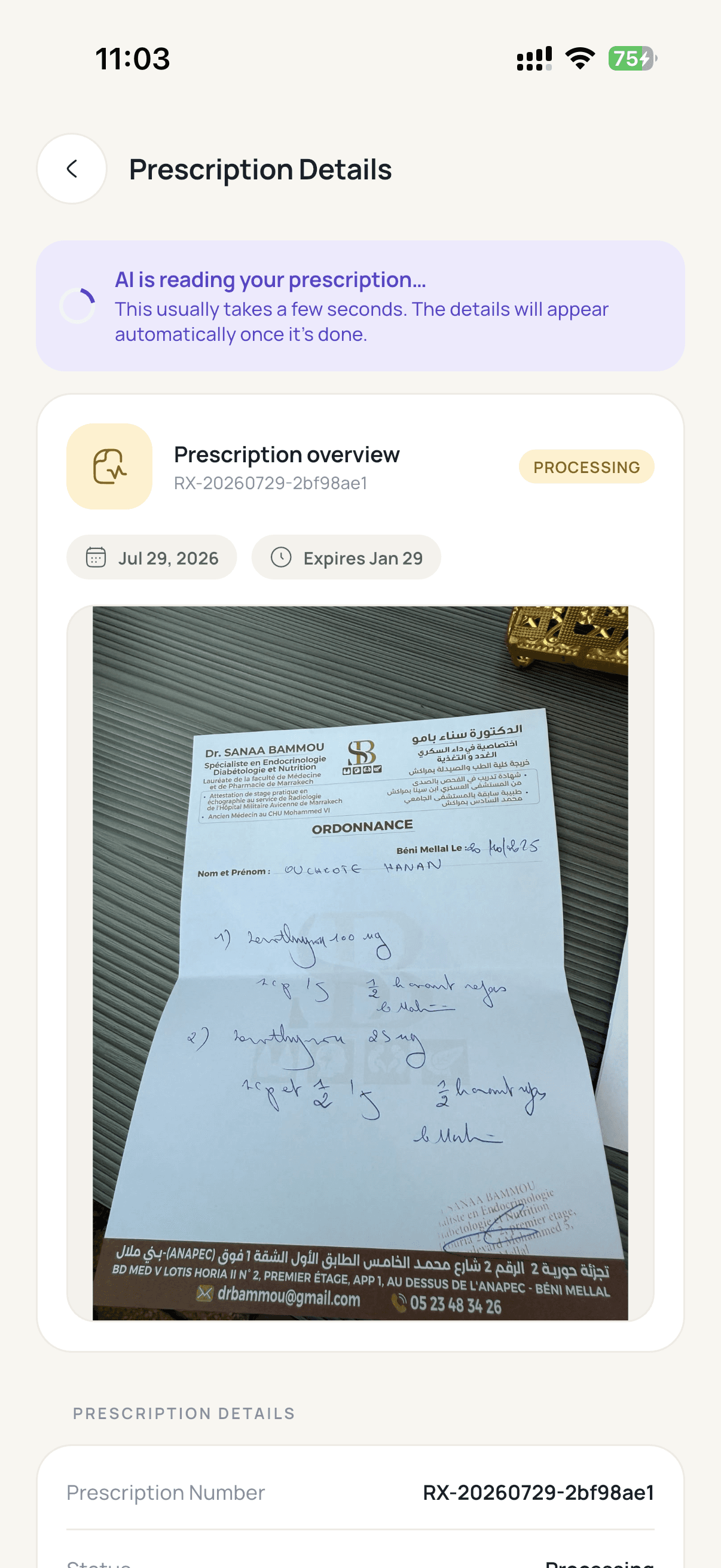
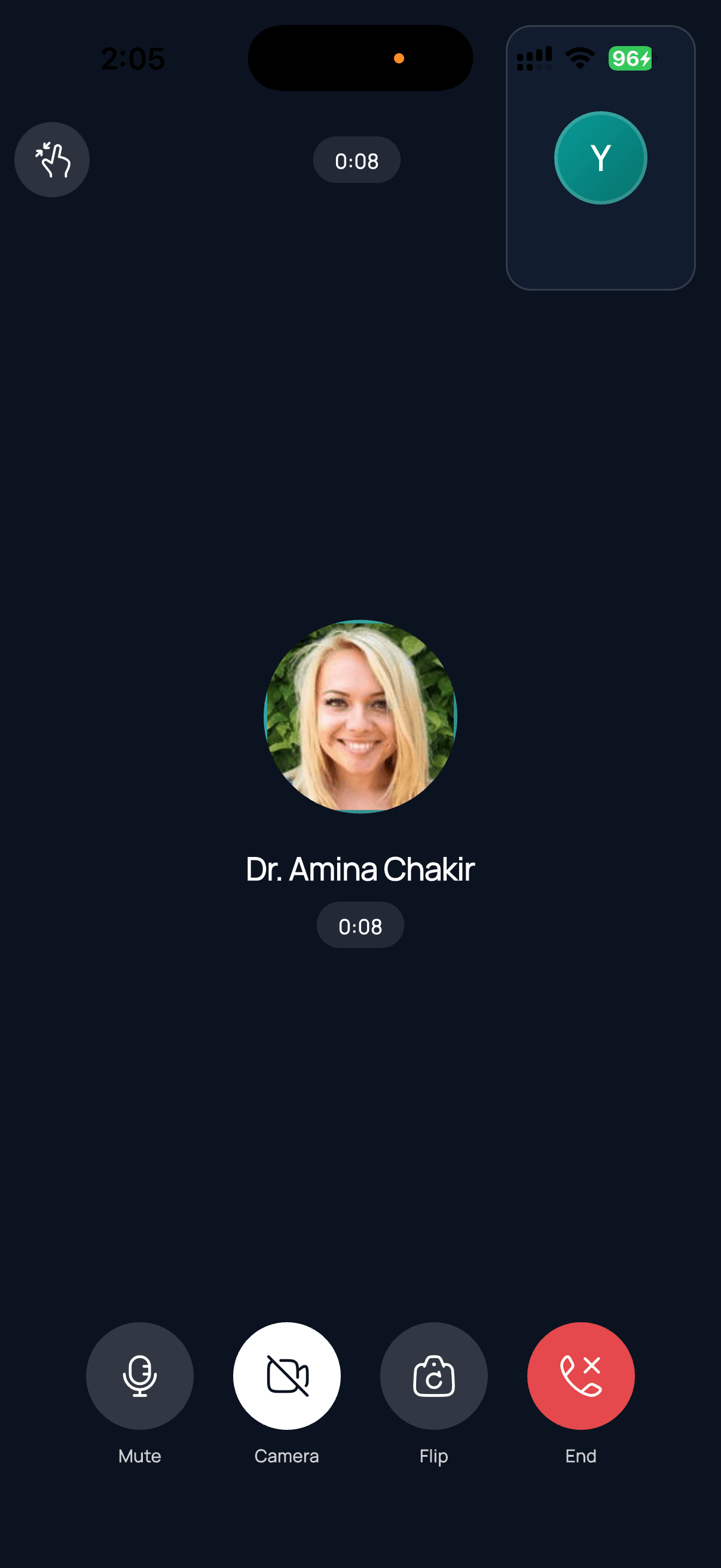
Join the encrypted call from your phone. Talk it through, share photos or lab results in the chat, and finish with an e-prescription saved straight into your health record.
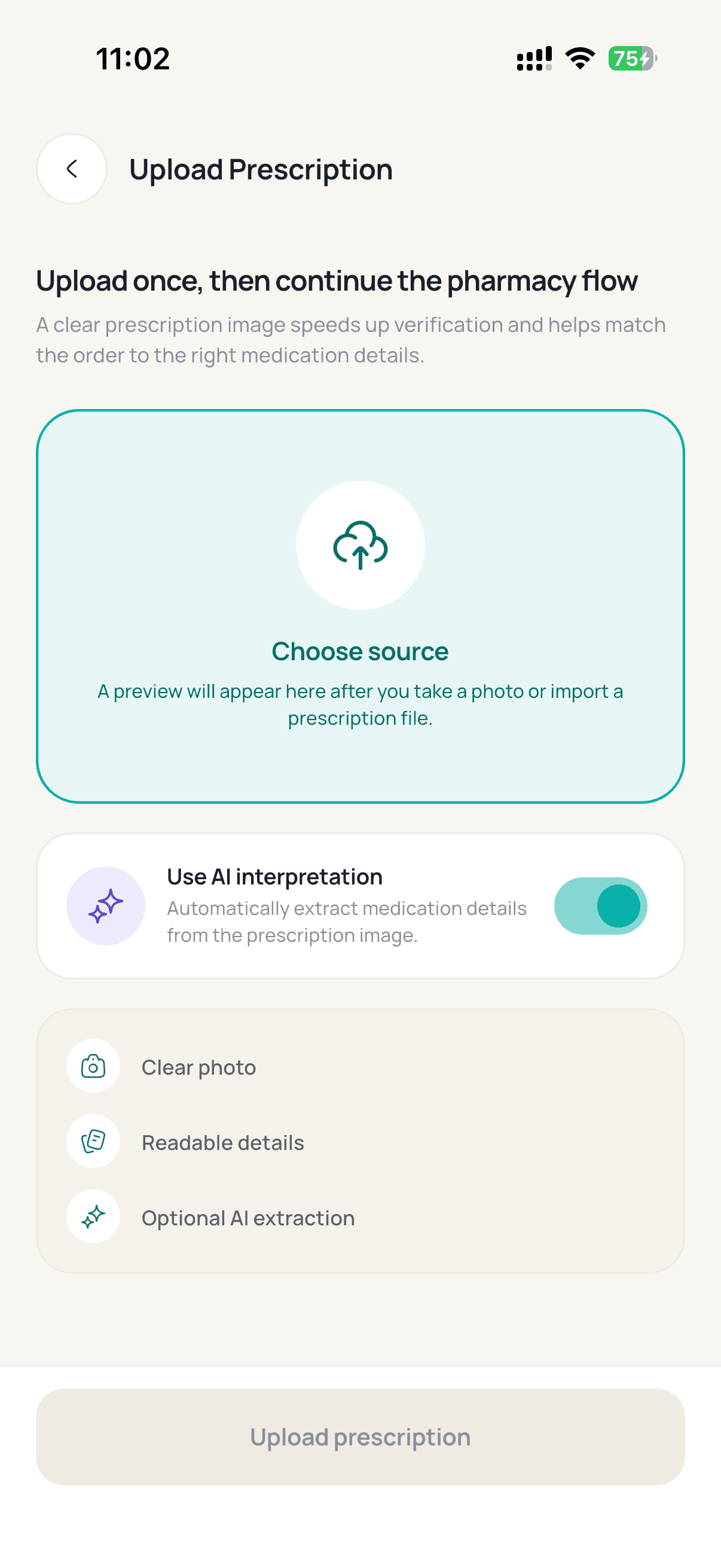
Send the prescription to nearby pharmacies in one tap. A licensed pharmacist reviews it, you compare quotes, and then you follow the courier on the map to your doorstep.
Three ways families across Morocco actually use Sanpha.
A working mother in Casablanca books a pediatric video visit after bedtime, shows the doctor her son's rash on camera, and has the e-prescription at her pharmacy before breakfast.

A patient with diabetes in Rabat re-orders the same treatment every month. The pharmacist checks each order, prices stay visible, and the courier delivers straight to his office.

When a grandfather collapses in Marrakech, his family presses SOS. Dispatch assigns the nearest type-B ambulance and everyone watches it approach on the map, plate number and all.
Doctors, pharmacies, ambulance operators and couriers join through the same verified path: apply, get checked by a human, sign a digital contract, and go live with a dashboard built for your queue.
Pick your role — doctor, pharmacy, ambulance or delivery — and fill in your professional details.
Upload your license, diploma and ID. A human admin reviews every document — no automated rubber stamps.
A digital agreement with commission and payout terms in plain language, signed in the app.
Accept consultations or orders from day one, with earnings and payouts visible in your panel.
Verification usually takes about two working days.
Everything under the surface is built to be predictable: verified people, encrypted data, transparent prices.
Your phone number plus a one-time code — no passwords to leak or forget.
Licenses, diplomas and IDs reviewed by an admin before any provider goes live.
Consultations, prescriptions and files encrypted in transit and at rest.
Ambulance SOS and patient support that do not keep office hours.
Download the app, verify your phone, and walk this journey in a few minutes.